All updates
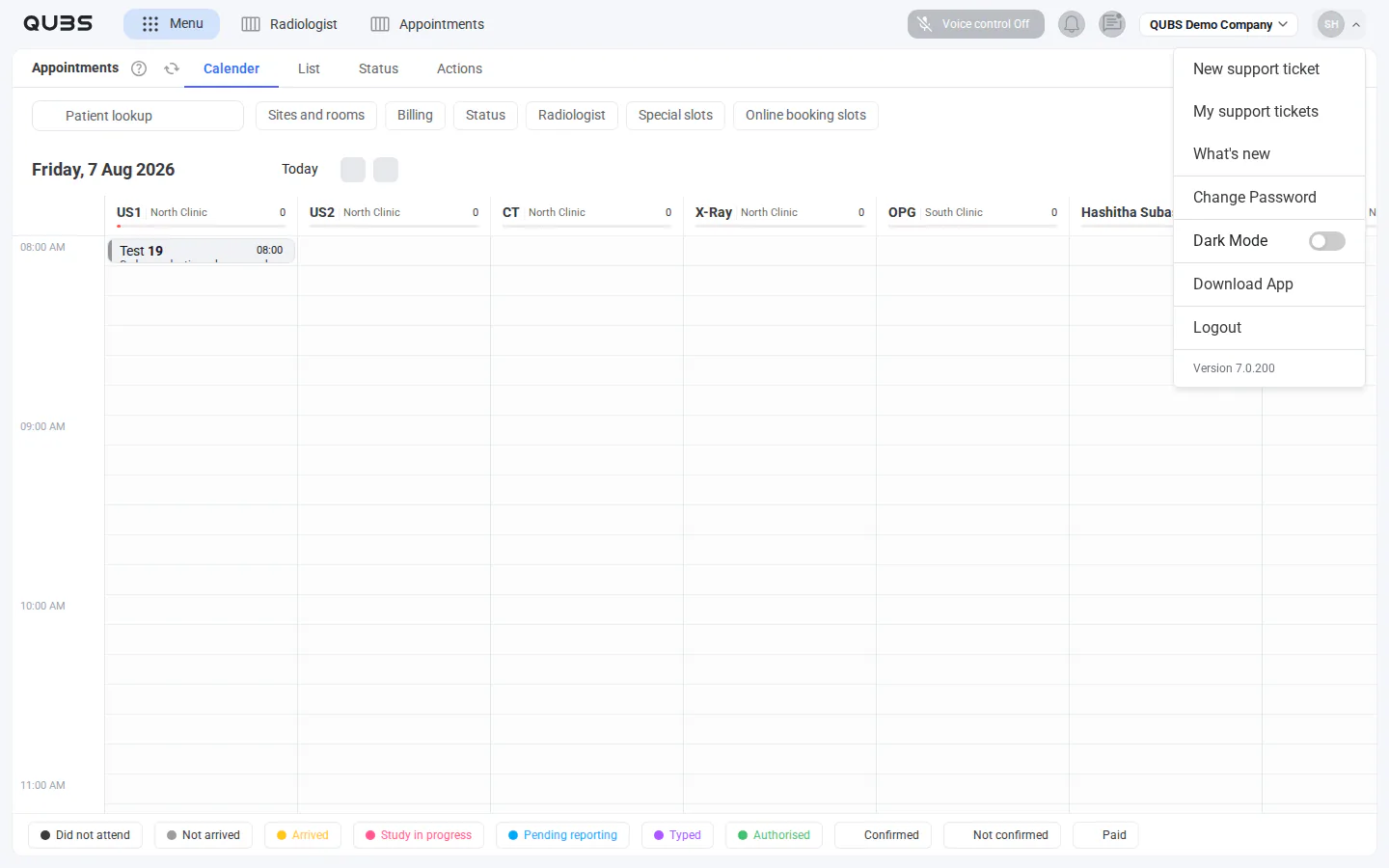
Find what’s new from your profile menu
Browse and search a public history of released QUBS features and improvements directly from your profile menu.
New
Open What’s new from your profile menu
Keep up with QUBS changes by opening What’s new from your profile menu. You can browse and search a public history of released features and improvements.