


One Site, one Solution:
Radiology Clinic Software
Streamline the management of your radiology clinic's patients, images, Medicare, and reporting with our intuitive and modern software, tailored for single-site operations.


Opening your single-site clinic
QUBS sets up the system and provides staff training. Your clinic handles imaging-machine configuration using the PACS details QUBS supplies, or contacts the manufacturer to configure it.
- Plan the setup: share your services, equipment, staff roles and reporting arrangements.
- Configure the machine: enter the supplied PACS details, such as AE title and IP information, or arrange help from the manufacturer. Use the scanner setup checklist to plan connectivity checks.
- Prepare referrers: supply your referrer list in Excel for QUBS to import.
- Arrange staff training: agree which staff and workflows the QUBS training will cover.
- Check readiness: agree how your team checks bookings, imaging, reporting, billing and delivery, and who signs off on the setup.
Migration can take place after your clinic starts using QUBS. Agree which records are needed at launch and which historical records will follow. Other historical-record imports require source-export and sample assessment; agree access to essential history and the checks for each stage in your migration plan.
Opening and migration questions
Who sets up QUBS and configures the imaging machines?
QUBS sets up the system, provides staff training and supplies PACS configuration details, such as AE title and IP information. Your clinic enters the machine configuration or contacts the manufacturer to configure it.
Can QUBS import our referrer list?
Yes. QUBS imports referrer lists supplied in Excel. Other historical records require source-export and sample assessment before an import scope is agreed.
Does migration have to finish before our clinic starts QUBS?
No. Migration can take place after your clinic starts using QUBS. Agree which records are needed at launch, which history will follow, access to essential history and validation responsibilities for each stage.
Patient management
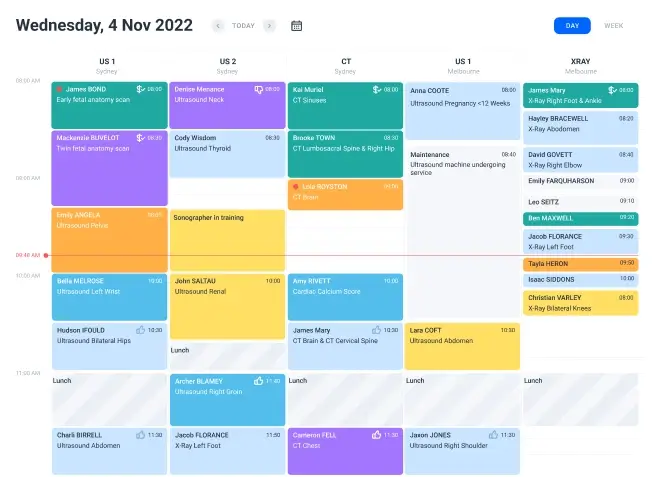
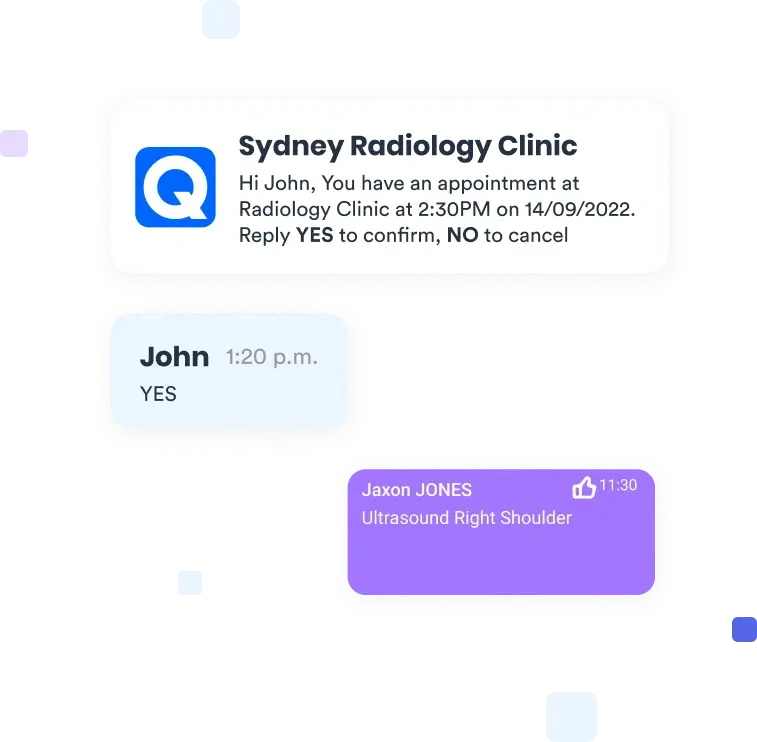
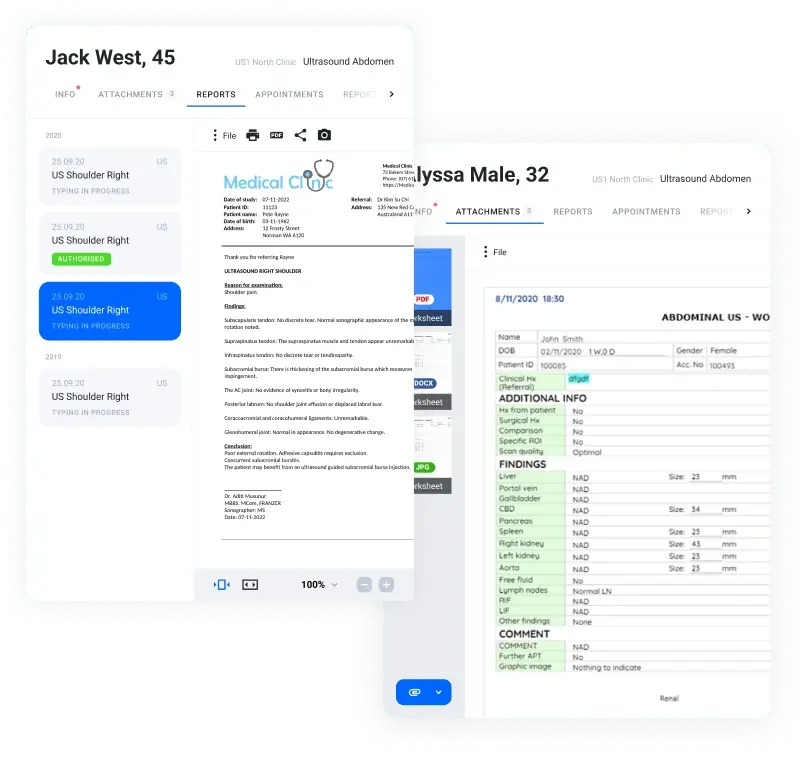
Patient scheduling and management
-
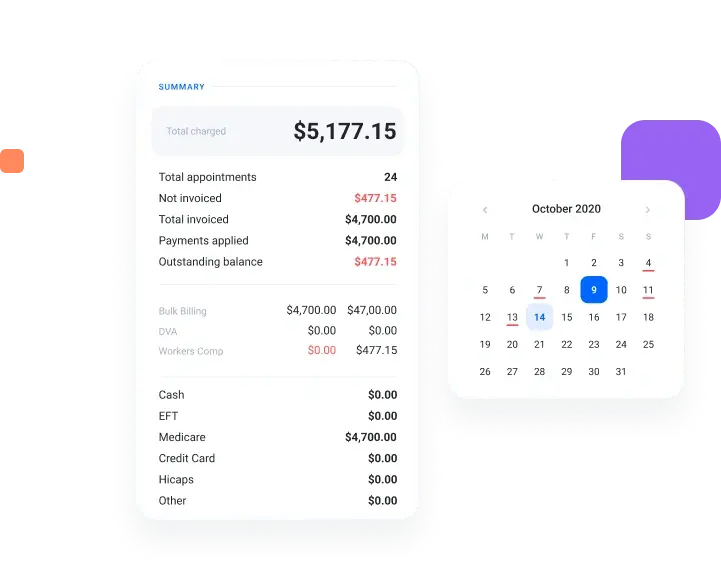
Streamline patient billings, Medicare and accounting
Advanced analytics and data visualisation for financial performance monitoring.
-
 Medicare claims
-
 Automated bulk-billings
-
 Daily Summary
-
 Customisable invoicing templates
-
 Medicare & DVA schedule updates
-
 Motor vehicle and Workers comp
-
Other modules
Increase productivity and improve
workflow by using the module you need

Online bookings
Empower patients with the flexibility to book appointments at their convenience, eliminating the need for phone calls or in-person visits.
Explore Online Bookings
Referrers portal
Facilitate seamless communication with referring physicians and specialists by providing them access to essential patient images.
Explore Referrers Portal
Business Insights
Gain actionable insights through visually appealing reports that spotlight your clinic's performance metrics.
Explore Business InsightsSecurity
Security and compliance at the core

Compromised credentials detection
QUBS diligently monitors and compares user credentials against common indicators of compromise (IOCs), such as publicly leaked passwords or commonly guessed passwords, to prevent unauthorised access.

Adaptive authentication
Our system scrutinises sign-in activities for IOCs, and in cases of potential risks—like sign-ins from unfamiliar devices or locations—QUBS automatically denies access, safeguarding your clinic's data integrity.

Ready to get started?
Elevate your clinic's operations and patient care with QUBS. Explore our tailored software for single-site radiology clinics. Reach out now for more information or a custom solution designed to meet your unique needs.